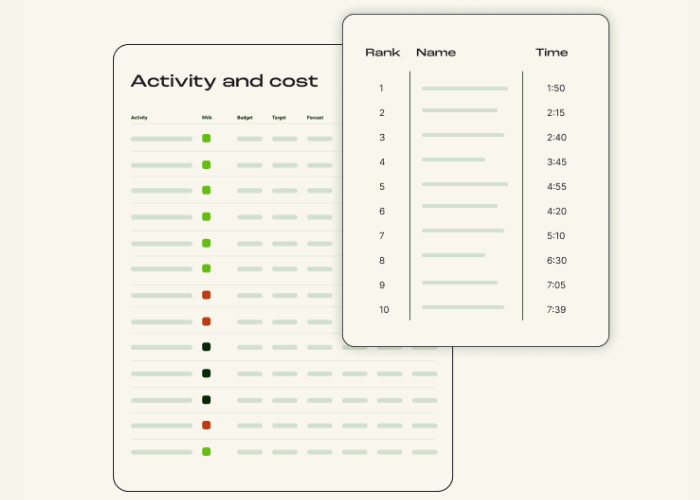
Blog | 8 minutes read
What is process intelligence? AI-powered process analysis explained
Organizations have never had more data about how work gets done. Systems log every transaction,…
Run a focused process study, capture real work as it happens, and get clear insight into where to improve, without long-term subscriptions or permanent tracking.

It helps teams understand how a specific process is actually performed across people, roles, or teams — over a defined period of time.
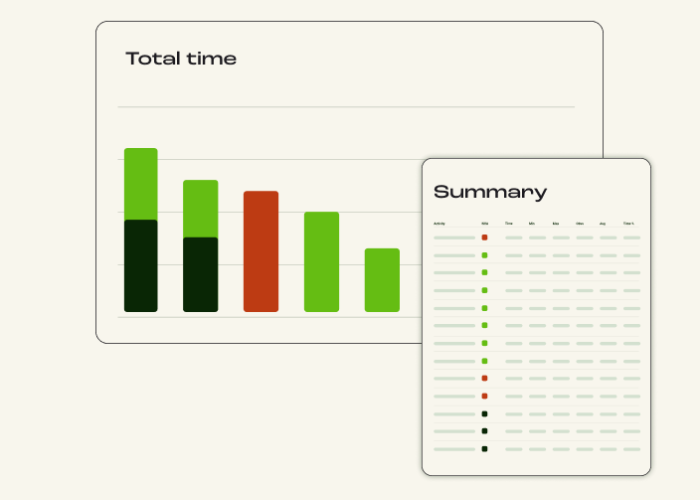
OpScope analyzes that data to reveal where effort is spent, where work slows down, and where improvement will have the greatest impact.
Instead of endless activity tracking, you run a focused study to collect forensic workflow data and qualitative feedback from the people doing the work. The result is clear insight into where time and effort are expended, and variation is actually occurring, with AI-enabled analysis to spot improvements.
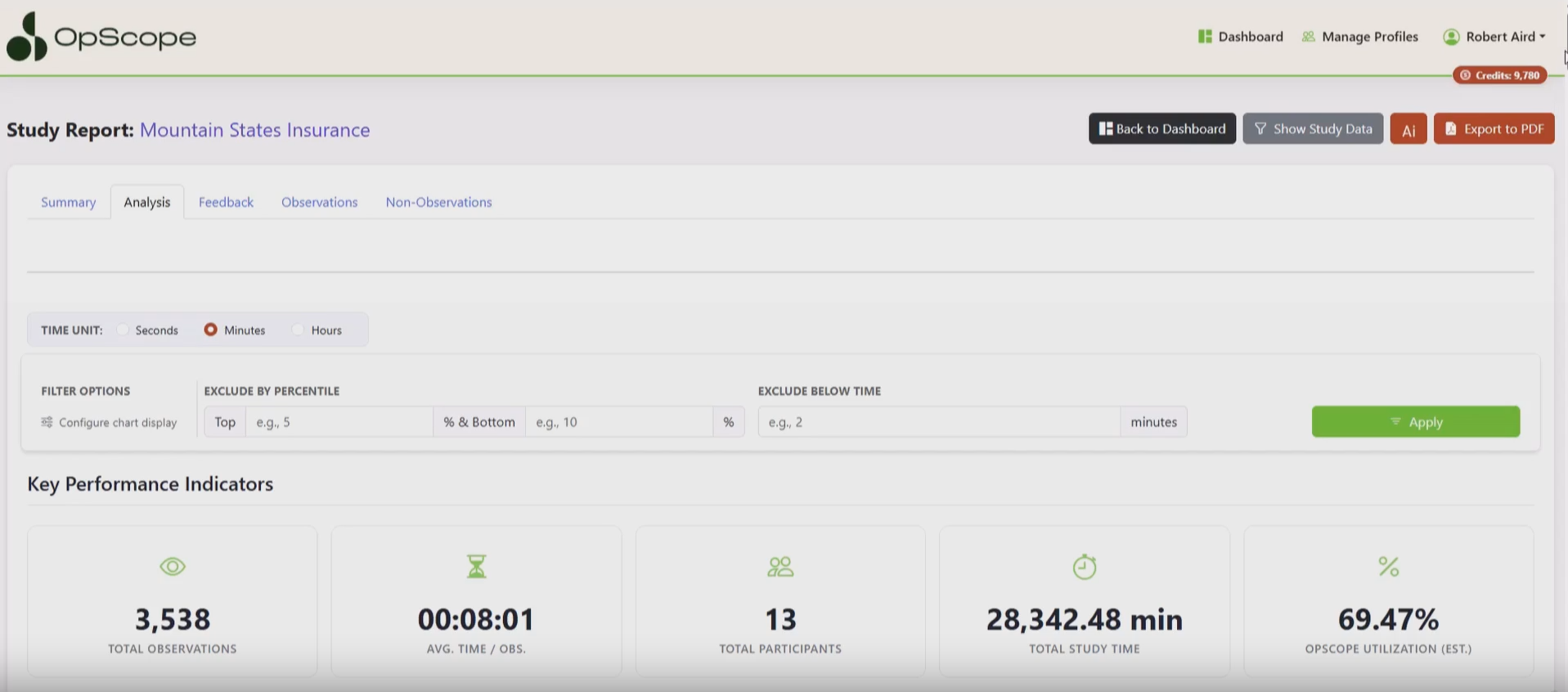
Start by selecting a workflow to analyze, for example:
Input work activities into a hierarchical layout so your teams can quickly navigate and record their workflows as they are performed.
The interface is intentionally simple and non-intrusive, so it doesn’t interrupt day-to-day tasks.
Participants can:
As the study runs, participants log what they’re doing in real time.
This creates a detailed picture of:
Automated work tracking and screen-recording is available on an elective basis, and is stored on participants’ local devices to remain fully within their control.
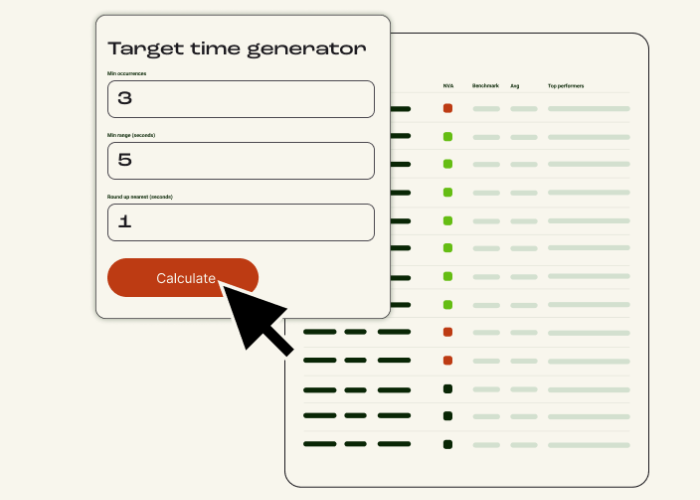
As data is collected, OpScope’s built-in analytics begin working in the background with proprietary, opt-in AI support.
OpScope can:
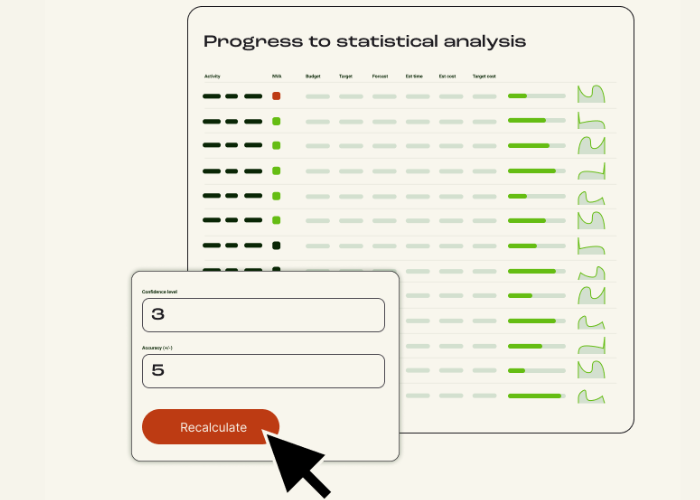
Parameters for statistical significance can be inserted to strengthen recommendations to stakeholders.
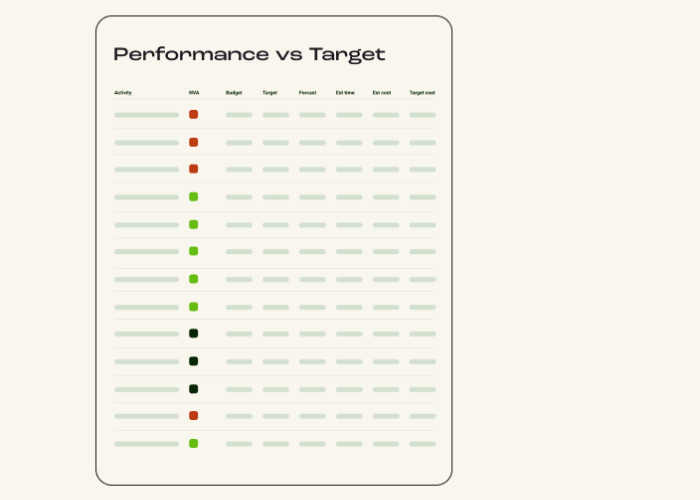
At the end of the study, you receive clear outputs that show:
These insights are designed to be exec-ready — easy to explain, easy to justify, and easy to act on.
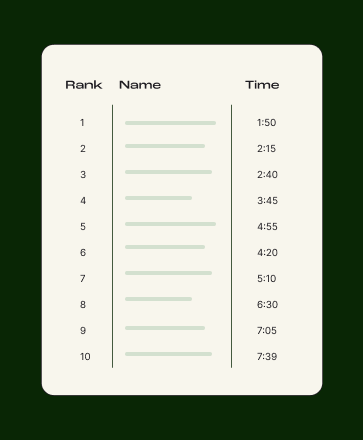
A structured dataset that shows how workflows are actually performed — based on real activity, not estimates or averages.
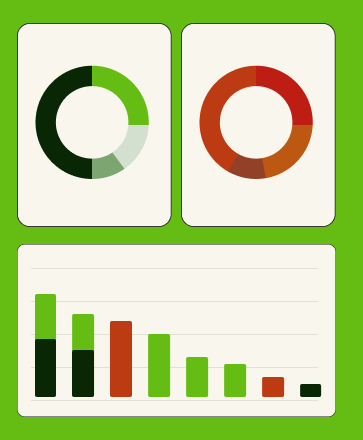
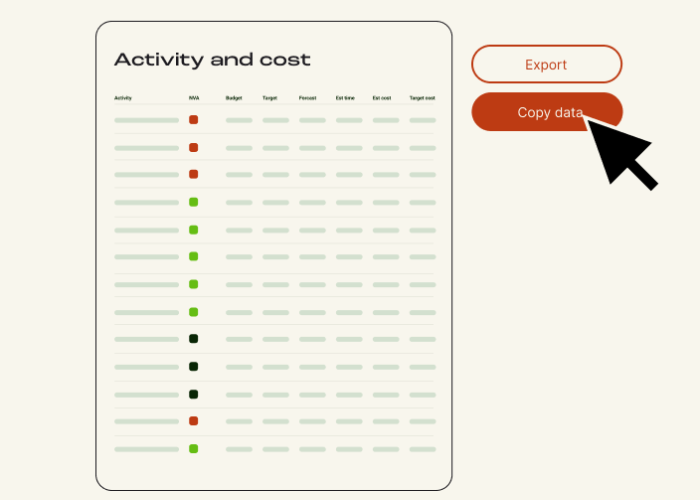
Quantitative analysis that reveals where work slows down, and time and cost is wasted unnecessarily.
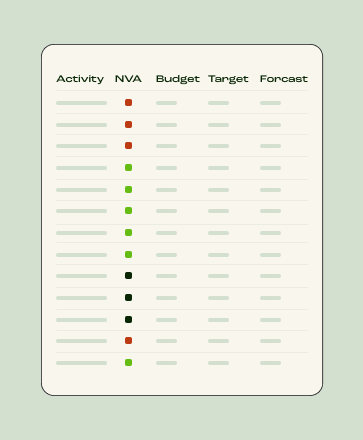
Insight into how the same process differs across people, roles, or teams — and where standardization could improve outcomes.
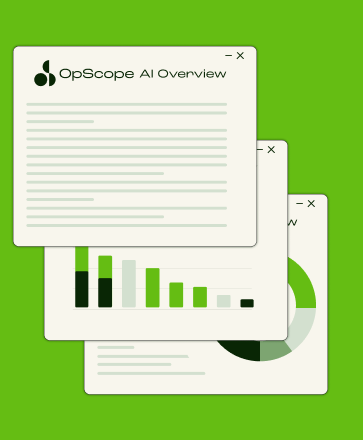
Clear, defensible evidence you can share with stakeholders and leadership to support confident improvement decisions.
OpScope is used to answer specific improvement questions. Teams run focused studies when they need clear, defensible insight into how work is actually happening, and what to change next.
See how workflows differ across locations, teams, shifts, and people — not how they’re supposed to run on paper. Input custom user characteristics to group your teams for later analysis.
Gain best practice insights, access market intel, and learn from real CI work conducted by teams running improvement studies.
Blog | 8 minutes read
Organizations have never had more data about how work gets done. Systems log every transaction,…
Blog | 10 minutes read
Most organizations believe they have good visibility into their operations through dashboards, reports, and KPIs.…
Blog | 12 minutes read
Continuous Improvement is a business philosophy focused on making small, ongoing enhancements to processes, products,…
Run your first study in minutes. No subscriptions. No enterprise overhead.